Skip to content
Keepsake is in early access on Windows. We are inviting families a few at a time.

Early access · for Windows

The stories behind the photos, kept in their own words.

Keepsake is a calm, private app that helps a parent or grandparent keep their photos, voice and writing together, and turn them into stories the whole family can read. Everything stays on your computer.

  • No account, nothing uploaded
  • Large text, big buttons
  • AI help is optional
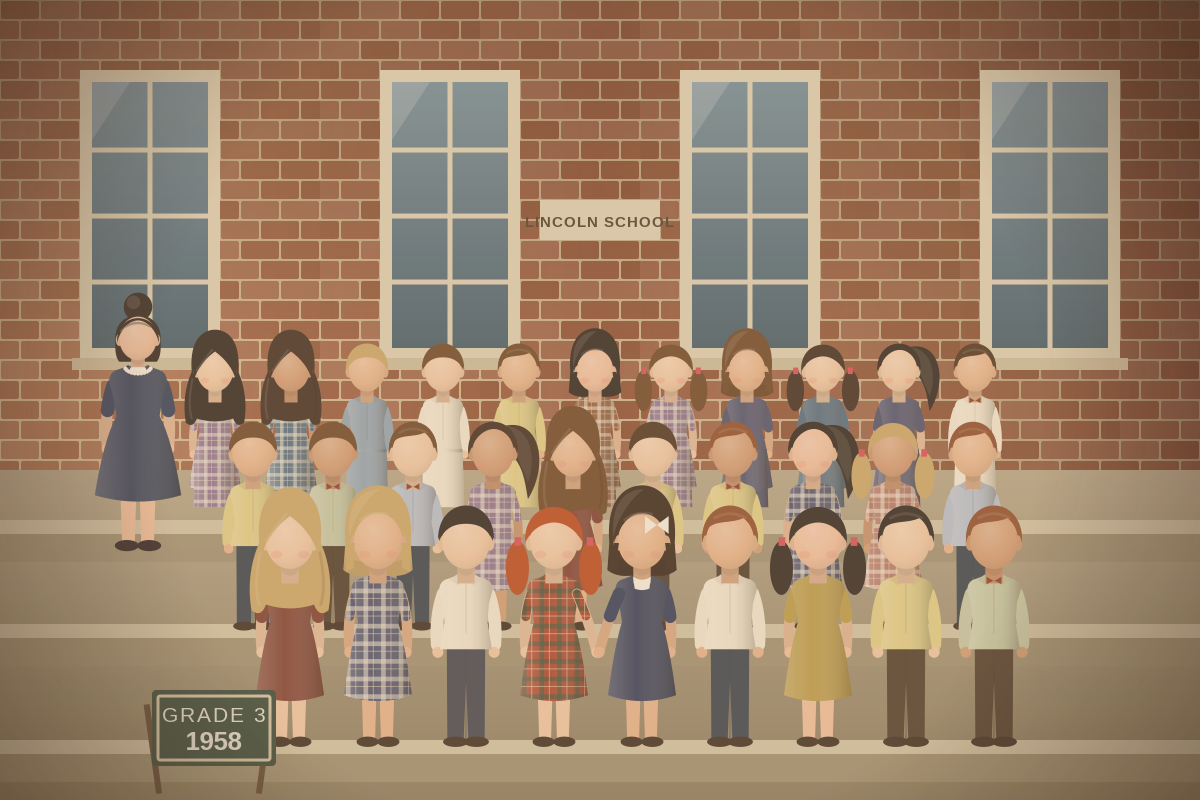
A third-grade class photo from 1958, three rows of children and their teacher
Third grade, 1958
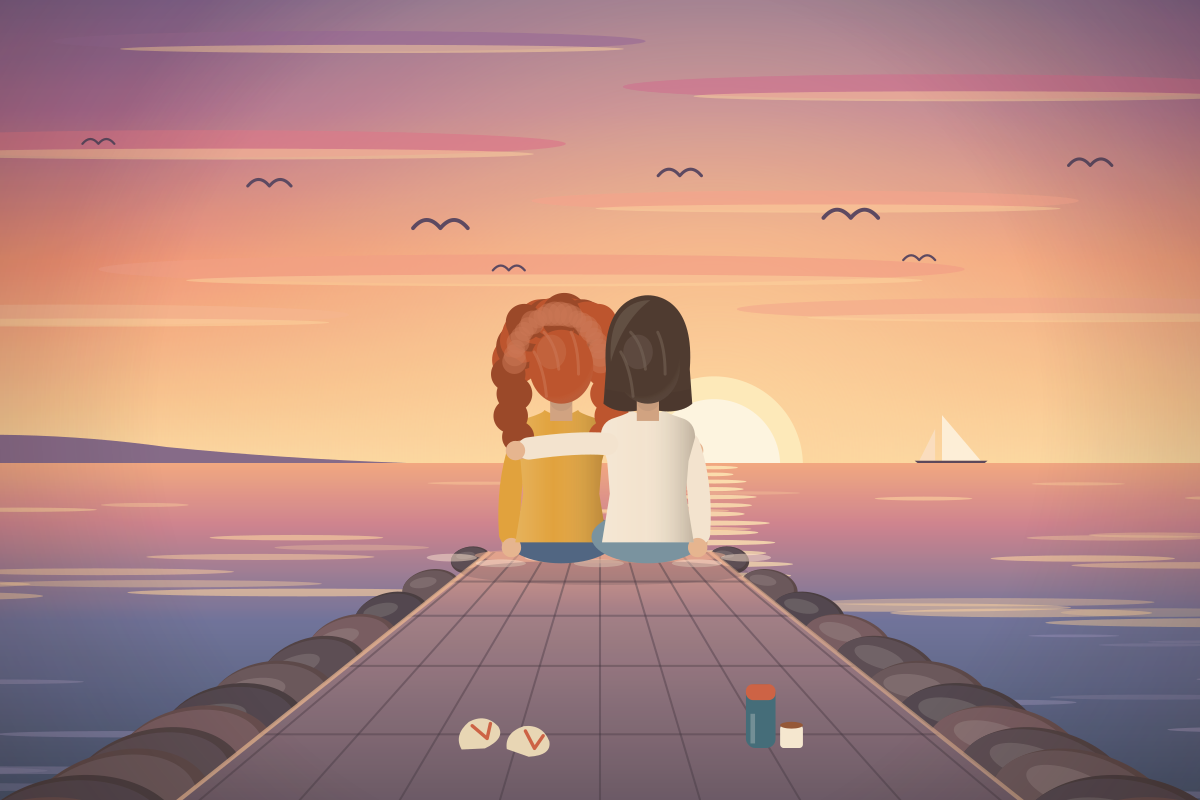
Two friends sitting on a stone jetty, watching the sun go down
Pattie & me, the jetty. Summer ’74

On the jetty, 1974

PattiePeggySummer 1974Cape May
The story behind it, in her voice
1:38

Saved on this computer

Try it here

Put a name to a face. Even a fuzzy date will do.

This is Peggy’s photo from 1974, as it looks in Keepsake. Type Aunt Dot in the Who box and add her as a new person, then set When to Summer 1974. Watch her join the collection below. Take a name off with ✕, then choose Undo.

Two friends sitting on a stone jetty, watching the sun go down

“Frank took this just before the sun went down. We had already been called in for supper twice.”

Also inBest friends since 1958

Who · When · Where · About

PattiePeggy

When was it?

Where?

Cape May, NJ

What is it about?

FriendshipSummer

Beach vacations

From the memories inside · 9 memories

Who
PattiePeggyFrankSusan
When
1962–1979
Where
Cape May, NJ

Saved on this computer

A fictional family. Nothing you type leaves this page.

How it works

Memories, then stories, then share.

Three places, always in the same spot on the left of the screen. There is nothing else to learn.

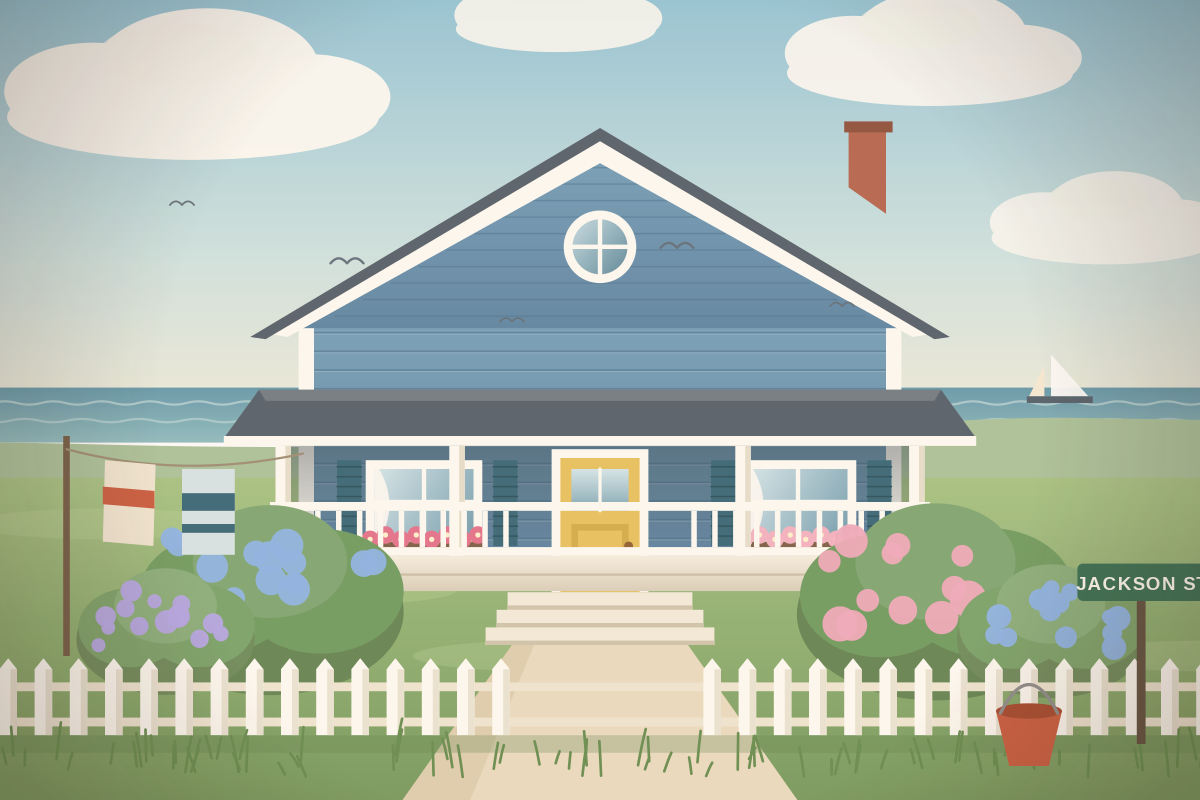
A little blue cottage with hydrangeas and a white picket fence
Keep it

1. Memories

Write, tell, add photos or video, or save a link. Each memory carries who was there, when, where and what it is about, and sits in collections like “Beach vacations”.

About memories
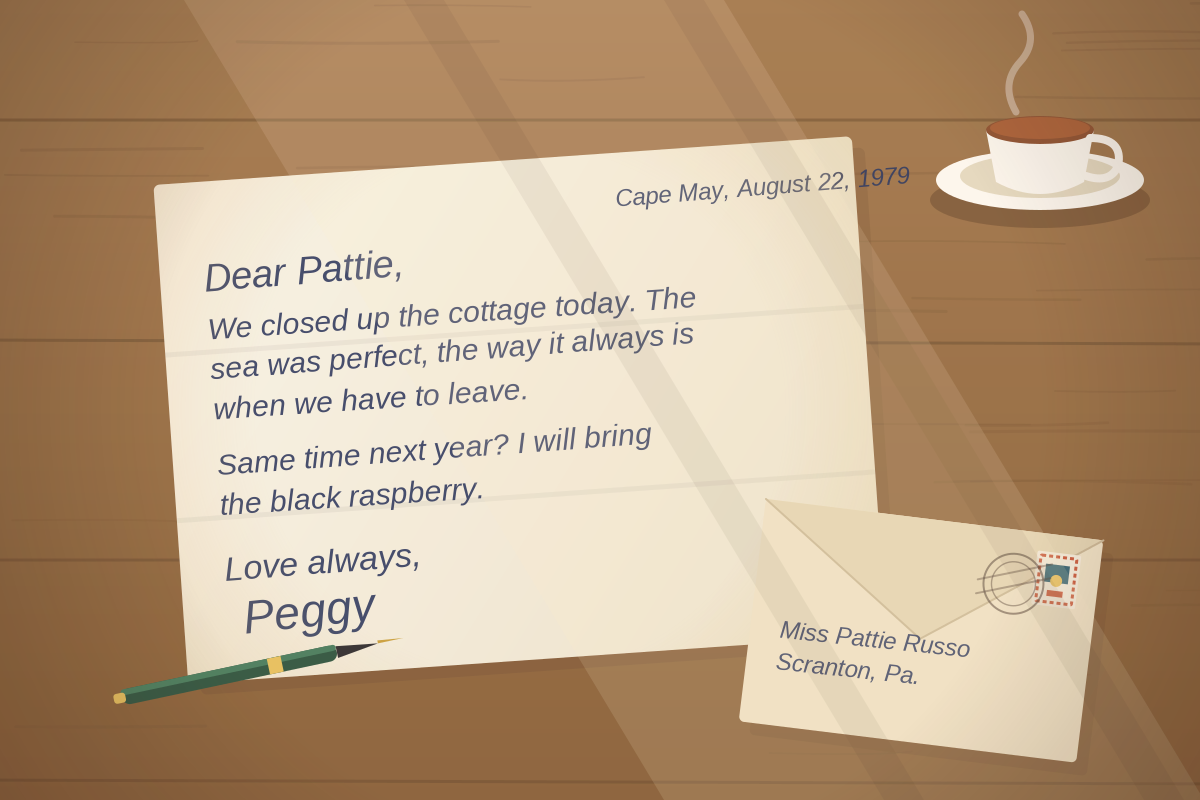
A handwritten letter on a sunlit table beside a cup of tea
Tell it

2. Stories

Choose a collection or a person and how it should feel. The Story Companion writes a first draft from those memories, with a source behind every sentence. You read it through and decide.

About stories
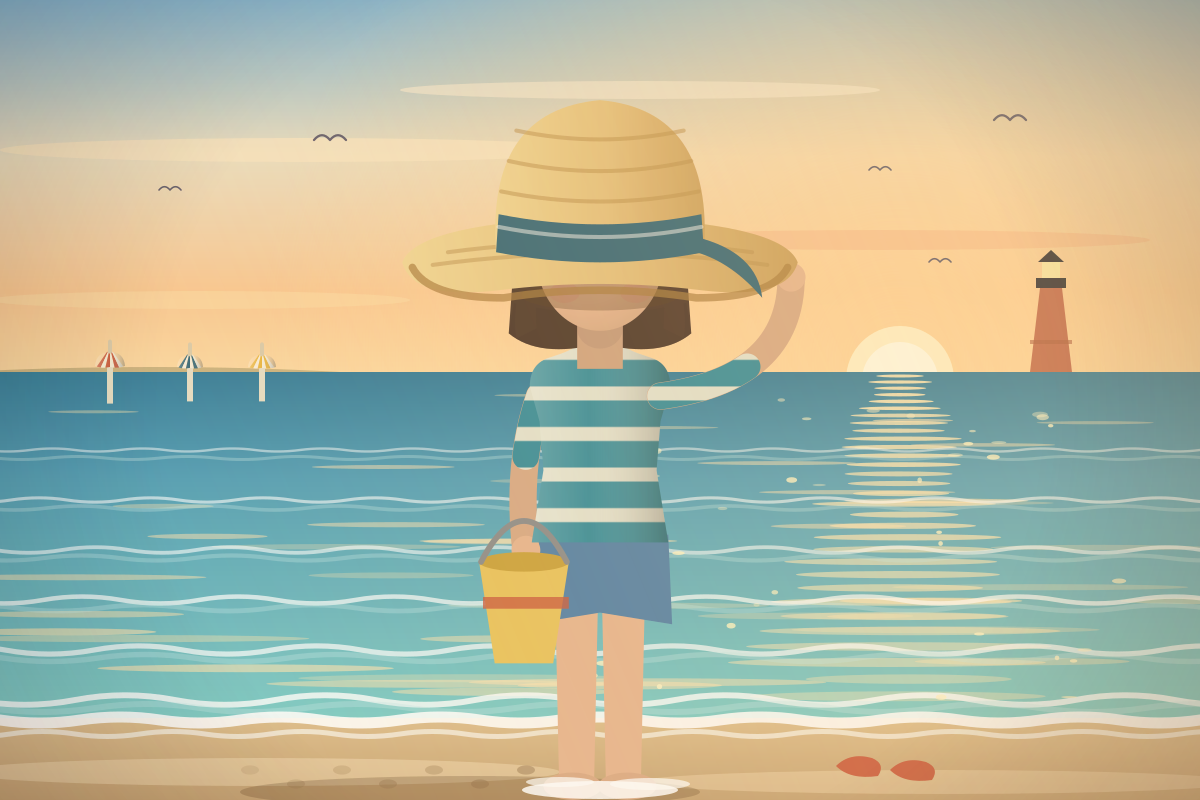
A girl on the beach wearing a big straw hat
Pass it on

3. Share

Pick a look, see it on a computer or a phone, and make a web page the family can open, save or print. It is one file, and it goes only where you send it.

About sharing
Sound familiar?

Pick the line that sounds like your family.

Being built

Let her tell it.

She chooses Tell and talks, the way she would at the kitchen table. Keepsake keeps her voice exactly as it is, and the words are written down on the computer so they can go into a story later.

How memories work
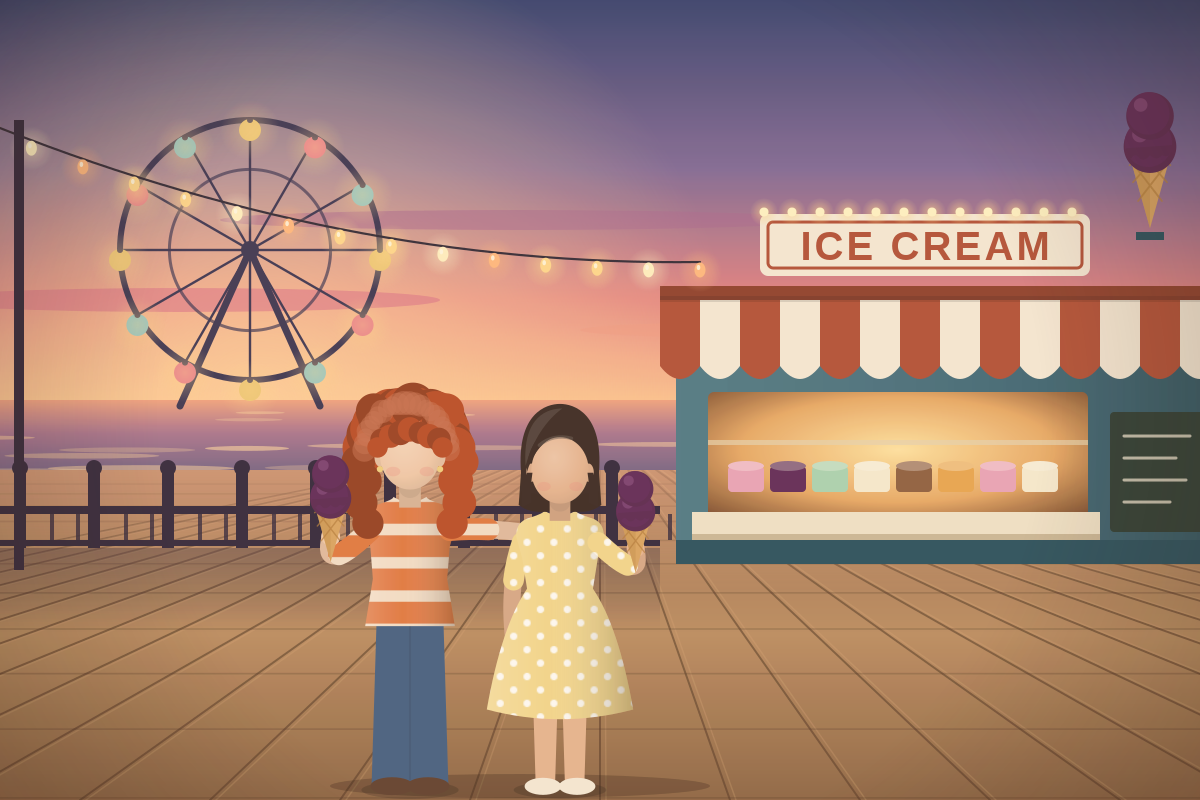
Two friends with ice cream on the boardwalk at dusk
“Two scoops, in a cup, never a cone.”
The Story Companion

It suggests. You decide.

A first draft from her own memories, never from the internet. Choose a number after a sentence to see where it came from. Try Shorter and Warmer, then tick I have read this story through. Change anything after that and it asks you to read it again.

A first draft from the Story Companion. Read it before you share it.

Fifty summers with Pattie

A friendship, told in Augusts

A number after a sentence shows where it came from. A dotted sentence only joins ideas.

In September of 1958, when I was eight years old, I was told to be nice to the new girl. Mrs. Kowalczyk put her in the empty seat beside mine, and there she sat, with the reddest curls I had ever seen. About ten minutes into that first morning, a folded-up note landed on my desk.

Friendships like ours need somewhere to live, and ours found the shore. Every August from 1962 to 1979, the two families rented the same blue cottage at number 14 Jackson Street in Cape May. After supper Pattie and I walked the boardwalk to Kohr's, where she ordered two scoops of black raspberry in a cup, never a cone.
Sources, sentence by sentence. A sentence that only joins ideas is dotted, so you always know what came from her and what did not.

Nothing becomes true by itself. A draft is a suggestion. Facts, names and dates are only kept when someone in the family says yes.

Optional, always. Keepsake works with no AI at all. Not now — I’ll write it myself is always one click away.

Private by design

Her stories stay home.

Keepsake runs on your own Windows computer. There is no account to make and no Keepsake server holding your family’s photos. The one time anything leaves, Keepsake asks first, in plain words.

Stays on your computer

  • Photos, videos and recordings
  • Writing, names, dates and places
  • Collections, stories and web pages
  • Backups, unless you move them

Only when you say so

  • The words of the memories you picked, when you ask the Story Companion for a draft. Never photos, never sound.
  • A web page file, when you email it or hand it to someone.
Every promise, in detail

Before your first draft

The Story Companion needs to send some words to write this draft

It uses ChatGPT (OpenAI), the service you connected. It will send the words from the 6 memories you chose, and nothing else. Photos and sound are never sent.

An example notice. Nothing on this page is sent anywhere.

Share

One story, one web page.

Pick a look, switch between Computer and Phone, then Make my web page. This one is real: Save to a folder gives you the actual file, made right here in your browser.

Share

Make a web page for the family

Pick a look

See it on

Made for older hands and eyes

Calm, obvious, and never in a hurry.

Keepsake was shaped in sit-down sessions with older adults and the family members who help them. These are the rules we kept.

Big type, big buttons

Text starts at 20 pixels and one switch makes it larger. Main buttons are a thumb’s width tall.

Plain words

Write, Tell, Save. No jargon, no settings maze, and every button says exactly what it does.

“Saved on this computer”

Every save says so. Nobody has to wonder whether a story was lost.

Nothing jumps out

No pop-ups on their own, no surprise tours, no flashing. Help is there when someone asks for it.

Undo, and 30 days to change your mind

Take something off and Undo puts it back. Anything deleted waits in Recently deleted for 30 days.

The same three places

Memories, Stories and Share never move, so the way home is always where it was yesterday.

Where Keepsake is today

Early, and honest about it.

Keepsake is being built with a small group of families. Here is what that means for you.

  • It is not a public download yet. We are inviting families a few at a time, so we can sit with them and fix what trips them up.
  • Windows only, and Windows will warn you. The early installer is not yet signed with a publisher certificate, so Windows shows a caution screen. We walk you through it.
  • Memories, Stories and Share is the release being built now. The demos on this page are from its tested prototype, with a fictional family. Each feature on How it works says whether families have tried it yet.
  • Some things wait for later. Shareable links, a printed book of several stories, family accounts and a Mac version are all after the first release.
Early access

Start with one photo. Ask about the day it was taken.

Tell us a little about your family and we will write to you, by name, when there is a place for you. No newsletter, no sharing your address.

Keepsake — keep the stories behind the photos, in their own words